

Give £30, get £30
Earn money by helping us support more children to love learning!
Invite a friend to Atom Home
Your friends will get £30 credit on their first payment
You'll get £30 credit towards your subscription each time you refer
.png)
How do I refer a friend?
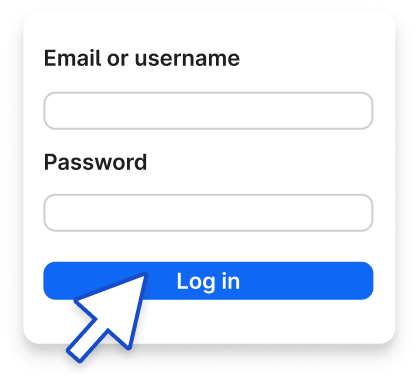
Step 1
Log in to Atom Home.
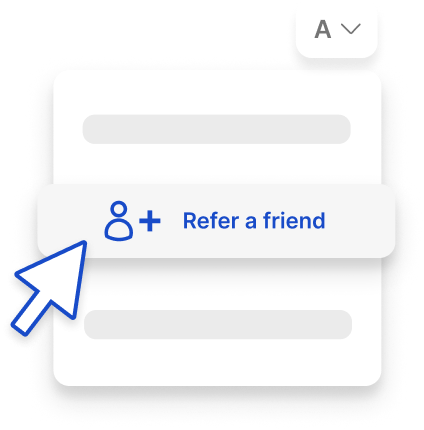
Step 2
Click on your icon at the top-right of your screen and select 'Refer a friend'.

Step 3
Enter your friend's email address and click 'send invitation'.
Refer today and save £30 in credit!
Frequently asked questions
How can I make a referral?
What will my friend need to do with my referral link?
When will I receive credit?
How can I use my credit?
My friend signed up using my referral link. Why can’t I see any credit?
How can I track my referrals?